

Tables, pages, permissions, and workflows are database configuration, read and executed by the platform.
NocoBase 2 No-code, NocoBase 2 AI Portal, and NocoBase 3
These three approaches differ in where business logic lives: configuration in a database, or source code in your own repository.
- Provided by NocoBase
- Your source code
- Database configuration
- Runtime boundary
- New in this step
01
NocoBase 2 No-code · Runtime plus configuration
Tables, pages, permissions, and workflows live in the database. The platform reads configuration to render the interface. AI also works by calling APIs to write configuration.
- Release individual modulesAll modules share configuration in one database, making it difficult to release just one of them.
- Workflows and permissionsConfiguration is difficult and inflexible for complex requirements; changes cannot be reviewed like code.
- Limited AI developmentAI can only call configuration APIs and cannot build capabilities the platform does not provide.
02
NocoBase 2 AI Portal · A customizable frontend
AI Portal is a frontend project written by AI. Its interface can be fully customized for your business without being limited to platform components; NocoBase 2 still provides sign-in, permissions, and data APIs.
- Customizable frontendAI writes React source directly, building pages and interactions around your business without platform component constraints.
- Independent development and deploymentFrontends can be developed and deployed independently; backend configuration remains shared.
- Workflows and permissionsIt still uses NocoBase 2 configuration, so these issues remain.
03
NocoBase 3
NocoBase 3 Core · The entire application is source code
Pages, APIs, schemas, permissions, and workflows live in your repository and are written by AI. NocoBase provides the framework, common capabilities, and libraries as npm packages.
- Develop independently, release by moduleModules are developed in parallel on branches. Release what you merge; unfinished work stays separate.
- Workflows and permissionsCode can express complex rules, with configuration interfaces added when business users need to make adjustments. Every change can be reviewed and reverted.
- Multiple applications, shared dataOne application maintains the master data. Others connect to its database as an external data source, with read-only or read/write access as needed and permissions enforced on the server.
NocoBase 3 Solutions · Business applications built on Core Coming soon
Complete business application source, ready to use or further customized by AI for your own system.
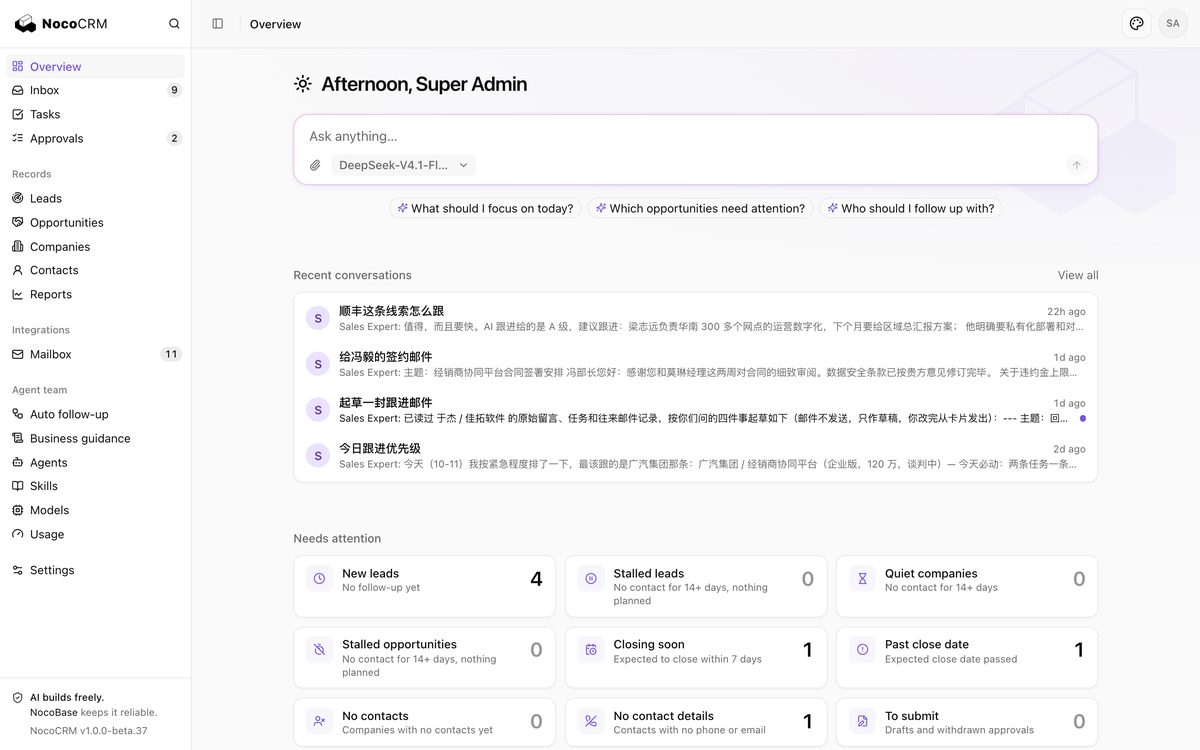
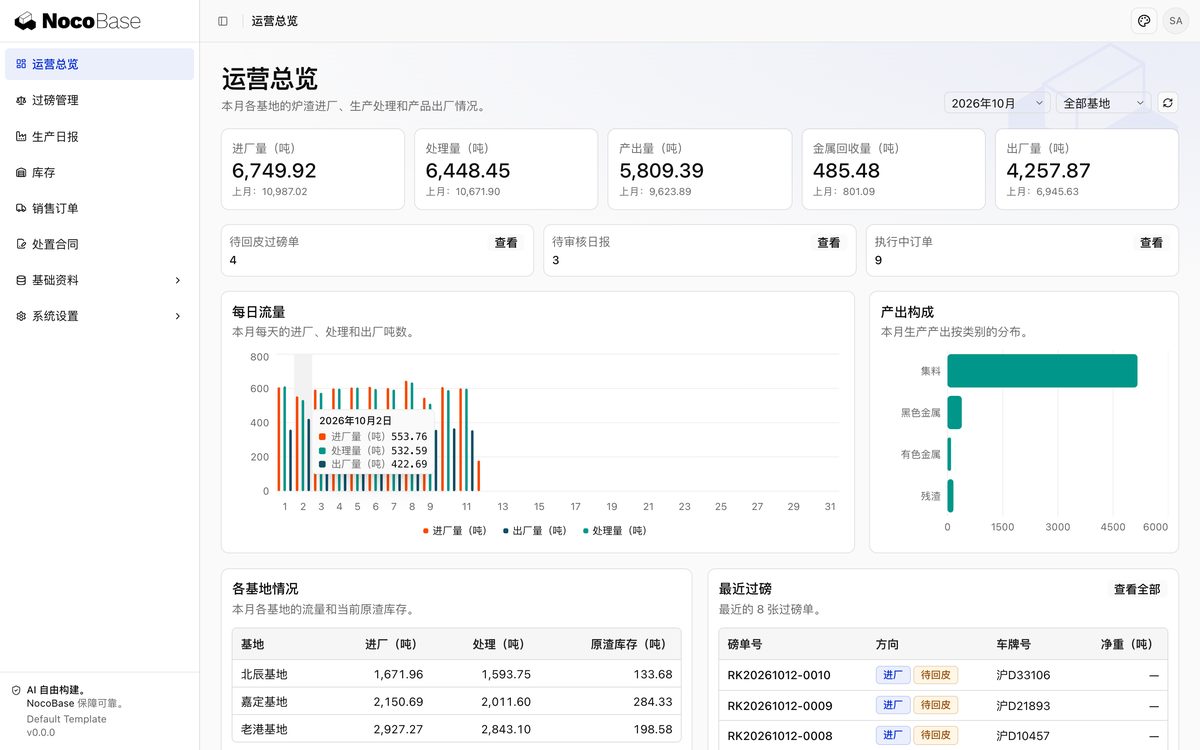
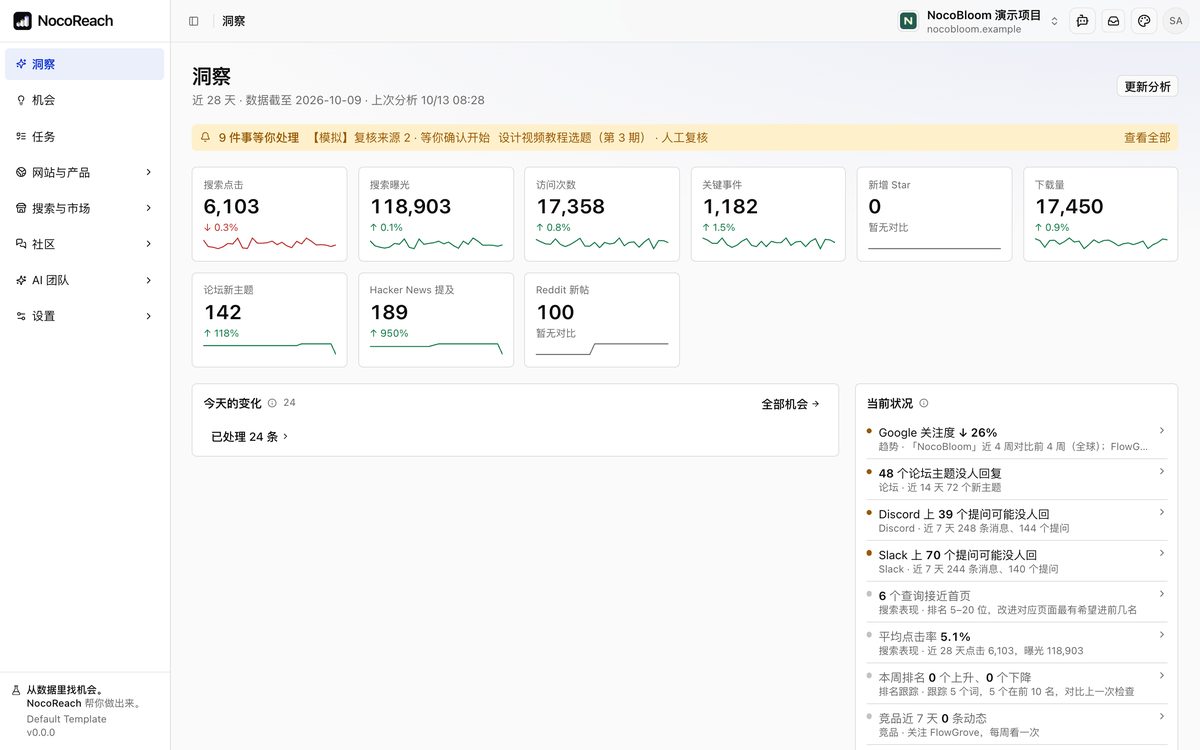
More solutions are being added.
NocoBase 3 Studio · Continuous development, testing, integration, and deployment across applications In development
Studio manages multiple applications, each with its own repository and environments, moving through development, testing, integration, and deployment at its own pace. Agents write code on runners hosted on team servers or development computers; people step in for decisions, acceptance, and releases.
- Each application moves at its own paceOne application can be in development while another is deploying, without blocking each other.
- Every change is testedRun CI checks, review with another model, then deploy to a preview environment dedicated to the PR.
- Controlled releasesMerge after human acceptance. Staging deploys automatically; production requires another person's approval and supports rollback.
04
Why choose NocoBase 3
For AI-built business systems, NocoBase 3 provides a stronger starting point and more reliable delivery.
Compared with building from scratch
The foundations are ready
Authentication, permissions, state machines, notifications, files, databases, localization, and deployment tools are ready. AI focuses on business logic instead of rebuilding the foundations for every project.
Compared with other frameworks
Business capabilities are packaged
More than a technical framework: permission sets, sharing and restriction rules, approvals, inboxes, Agents, and business components for sign-in, boards, and diagrams are ready to use.
Compared with ready-made solutions
Ready to use and customize
Solutions such as CRM and ERP work out of the box, support private deployment, and provide full source code for AI to extend around your business.
Built on experience serving NocoBase 2 customers
Businesses, governments, and universities worldwide use NocoBase 2 to build business systems. This experience informs NocoBase 3 capabilities and Solutions.
05
Comparison
Compare how the three approaches address common concerns.
Where business logic lives
ConfigurationNocoBase 2 No-code
Configuration + sourceNocoBase 2 AI Portal
Pages become React source; APIs, schemas, permissions, and workflows remain configuration.
Source codeNocoBase 3
Everything lives in your code repository. NocoBase is used only through dependencies:
- client/: pages, routes, and layouts with React · Vite
- server/: APIs, services, and permission rules with Hono
- database/: schema migrations and seed data
- Dependencies: framework, capability packages, and libraries
- Business components: copy source from UI Library into your project
Independent development and modular releases
NocoBase 2 No-code
All modules share configuration in one database. Migrations select by table, making it difficult to release a single module.
NocoBase 2 AI Portal
Frontends can be developed and deployed independently; the backend configuration issues remain.
NocoBase 3
Each module is developed on its own branch. Release what you merge:
- Branch development: one branch and one PR per task
- Automated checks: CI runs linting, type checks, and tests
- Preview acceptance: a dedicated preview environment for each PR
- Release merged changes: unfinished work stays on branches without affecting releases
- Multiple applications: Studio manages each application's environments and releases
Workflows
NocoBase 2 No-code
Visual configuration offers many nodes and versioning, but complex flows are difficult and inflexible to configure, and changes cannot be reviewed like code.
NocoBase 2 AI Portal
The same as NocoBase 2: still configuration.
NocoBase 3
Describe business processes as state machines in code:
- States and transitions: each record stores its current state and transitions according to rules.
- Triggers: automatically handle a record when its time in a state exceeds a timeout.
- Side effects: execute after commit with retries and idempotency; continue transitions after success or failure.
- Waiting: wait for human actions, external callbacks, or polling results.
- Recovery: resume unfinished work after a service restart.
The approval plugin provides multilevel approvals, countersigning, and additional approvers.
Permissions
NocoBase 2 No-code
Roles, data scopes, and field permissions are configurable, but complex rules are difficult to configure and changes are hard to review.
NocoBase 2 AI Portal
The same as NocoBase 2: still configuration.
NocoBase 3
Rules are written in code; assignments are managed centrally in the application:
- Permission sets: similar to roles, assigned to users or teams.
- Record level: records I own, records I created, or custom conditions.
- Field level: separate control over readable and writable fields.
- Default access: broaden the scope for everyone with permission to perform the action.
- Sharing: broaden the scope for specific people or teams.
- Restrictions: narrow the scope regardless of where permission comes from.
- Permission origins: explain where a permission comes from.
Multiple applications, shared data
NocoBase 2 No-code
Multiple entry points in one application share data directly. Across applications, an External NocoBase data source can read and write another application's data.
NocoBase 2 AI Portal
Multiple Portals within the same application share data directly.
NocoBase 3
One application maintains master data; others connect to it:
- Primary database: SQLite, PostgreSQL, MySQL, SQL Server, Oracle, Dameng, KingbaseES, OceanBase
- External data sources: connect databases from other applications or existing systems
- Read/write scope: read-only access, or write access to selected tables and fields
- Access permissions: enforced on the server
- Synchronization: write synchronization tasks when needed
Integrating existing systems
NocoBase 2 No-code
Call external APIs through workflow HTTP request nodes; complex integrations are limited by node capabilities.
NocoBase 2 AI Portal
The same as NocoBase 2.
NocoBase 3
Write integration logic directly in code:
- Call external APIs: use state machine side effects with retries and idempotency
- Receive callbacks: define your own API routes
- Scheduled tasks: scheduling, queues, and background jobs
- External databases: connect as external data sources
- Expose APIs: access business APIs using API keys
AI-assisted business operations
NocoBase 2 No-code
AI employees embedded in pages help users query data, fill forms, and analyze content. Local Agents can call APIs through nb api, but these are generic API calls.
NocoBase 2 AI Portal
The same as NocoBase 2.
NocoBase 3
The agents plugin connects to both models and runners:
- Online Agents: connect directly to models, run on the server, and use the application's business commands as tools
- Worker Agents: drive Claude Code, Codex, and other tools on runners
- Application-specific CLI: package business APIs into a CLI in one step for users' local Agents
- The user's own permissions: after CLI sign-in, execute with the user's permissions
- Records: inspect conversations, run records, and usage
Version control and delivery
NocoBase 2 No-code
Version snapshots, backup and restore, and migration-based releases.
NocoBase 2 AI Portal
Frontend source can be stored in Git and pushed and deployed with nb portal.
NocoBase 3
Manage and deliver it like conventional software:
- Git: version the entire project and review code
- CI/CD: use any platform to build a deployment archive
- Deployment: deploy locally with app-installer, or over SSH to an offline Linux server
- Upgrades and rollbacks: handled by app-installer
- Containers: templates include a Dockerfile
SupportedPartially supportedNot supported